
1
Describe your image
Simply describe what you want to generate.
Describe your image, and Promtist will generate an optimized image prompt based on your description.
Follow these steps to use the image prompt generator.
Simply describe what you want to generate.
Adjust the available options based on how detailed and structured you want the generated prompt to be.
Promtist will generate a prompt based on your task.
Copy the prompt to your clipboard and use it in your favorite AI image generation tool.
Follow the guide below to help image prompt generator create a prompt that fits your scenario.
Mode controls how much detail Promtist adds to your image prompt.
Turns a short image idea into one ready-to-use prompt. It is best when you want a fast result that can be copied directly into an image generation model.
Builds a more controlled prompt with subject, environment, style, lighting, camera, composition, details, quality, and negative prompt guidance.
Format controls how the generated prompt is returned.
Returns a natural-language prompt string. Use it when you want to paste the result directly into tools like Midjourney, DALL-E, Stable Diffusion, or other image models.
Returns structured fields for each prompt part. Use it for workflows, API integrations, automation, or when you want to edit each prompt section separately.
Choose Simple + Plain when you just need a polished prompt from a quick idea.
Choose Advanced + Plain when you want a richer prompt while still using a single text output.
Choose Advanced + JSON when you need separate fields for editing, automation, or downstream processing.
See how our image prompt generator turns a short image idea into a more complete prompt that is ready to refine or paste into an image model.
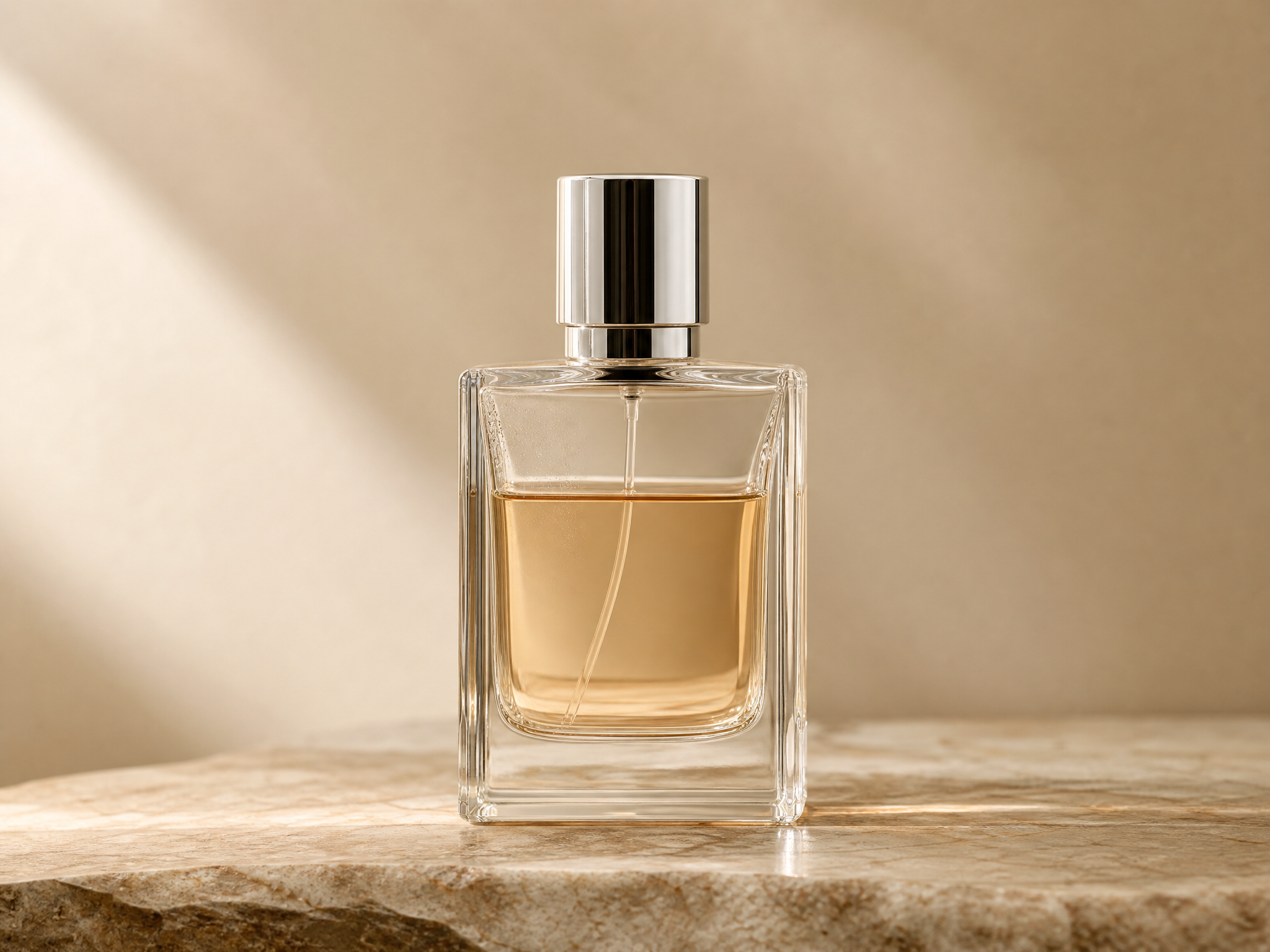
Input
minimal product photo of a perfume bottle
Generated prompt
A minimal studio product photo of a clear glass perfume bottle with a polished silver cap and faint amber fragrance inside, placed on a warm stone surface with a soft beige backdrop, premium cosmetics advertising style, soft diffused key light from the upper left, delicate rim highlights and controlled reflections, eye-level close-up shot with an 85mm lens and shallow depth of field, centered composition with generous negative space, crisp glass edges, subtle liquid refraction, fine condensation details, 8k resolution, high-end editorial finish, avoid fingerprints, distorted bottle shape, harsh glare, cluttered background, watermark, text.
Best for
Product launches, ecommerce hero images, brand moodboards
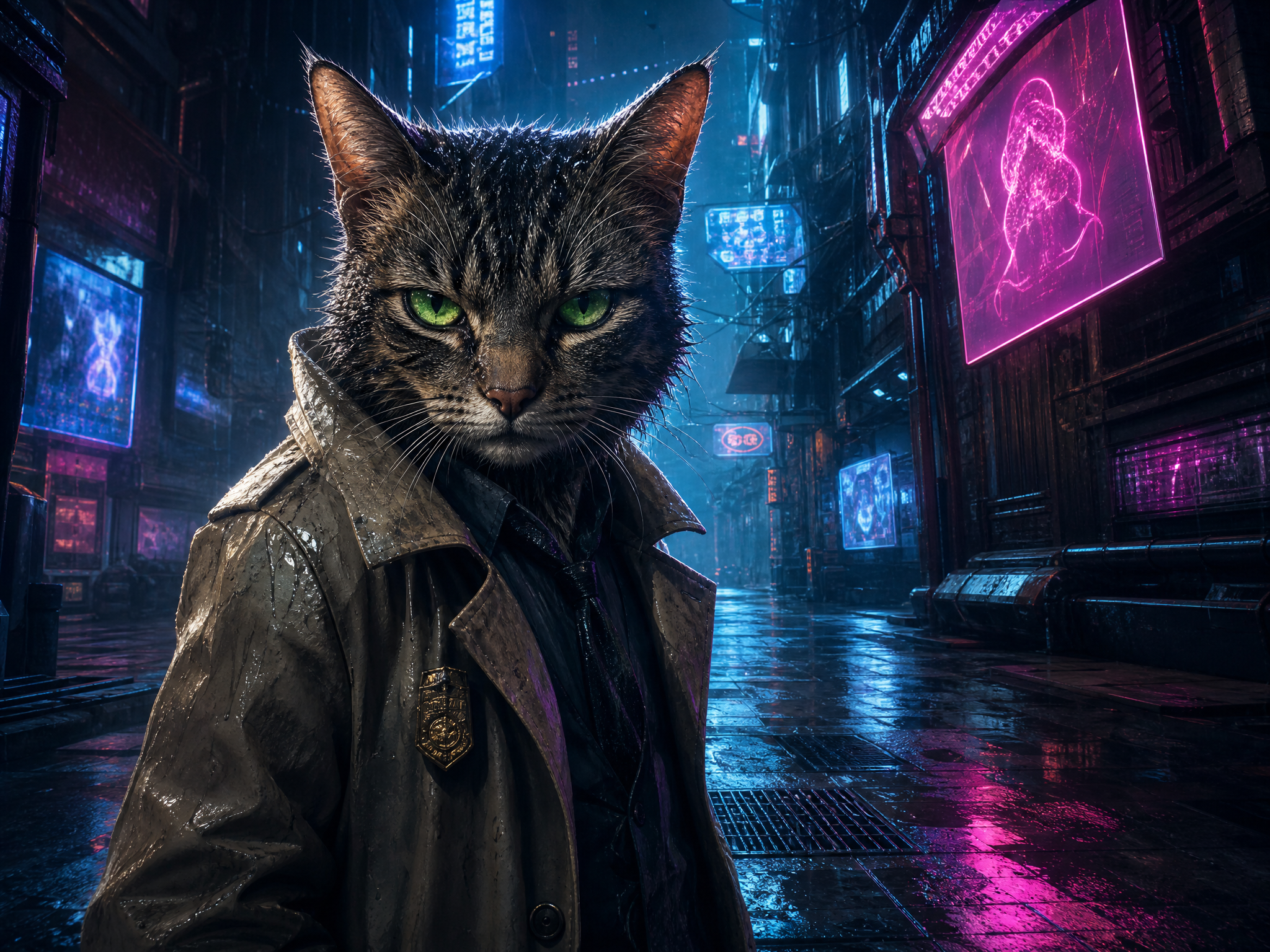
Input
cyberpunk cat detective
Generated prompt
A cyberpunk cat detective with sharp green eyes, wet striped fur, and a tiny worn trench coat, standing alert in a rain-soaked neon alley beneath flickering holographic signs, noir sci-fi atmosphere with blue and magenta color contrast, cinematic digital painting style, strong backlight, glowing rim light, reflective puddles and soft volumetric haze, dramatic low-angle medium shot with a 35mm lens, deep alley perspective and leading lines, detailed fabric folds, tiny brass badge, raindrops on whiskers, highly detailed character concept art, avoid blurry fur, extra limbs, flat lighting, unreadable signage, watermark, text artifacts.
Best for
Character concepts, game art, social media visuals
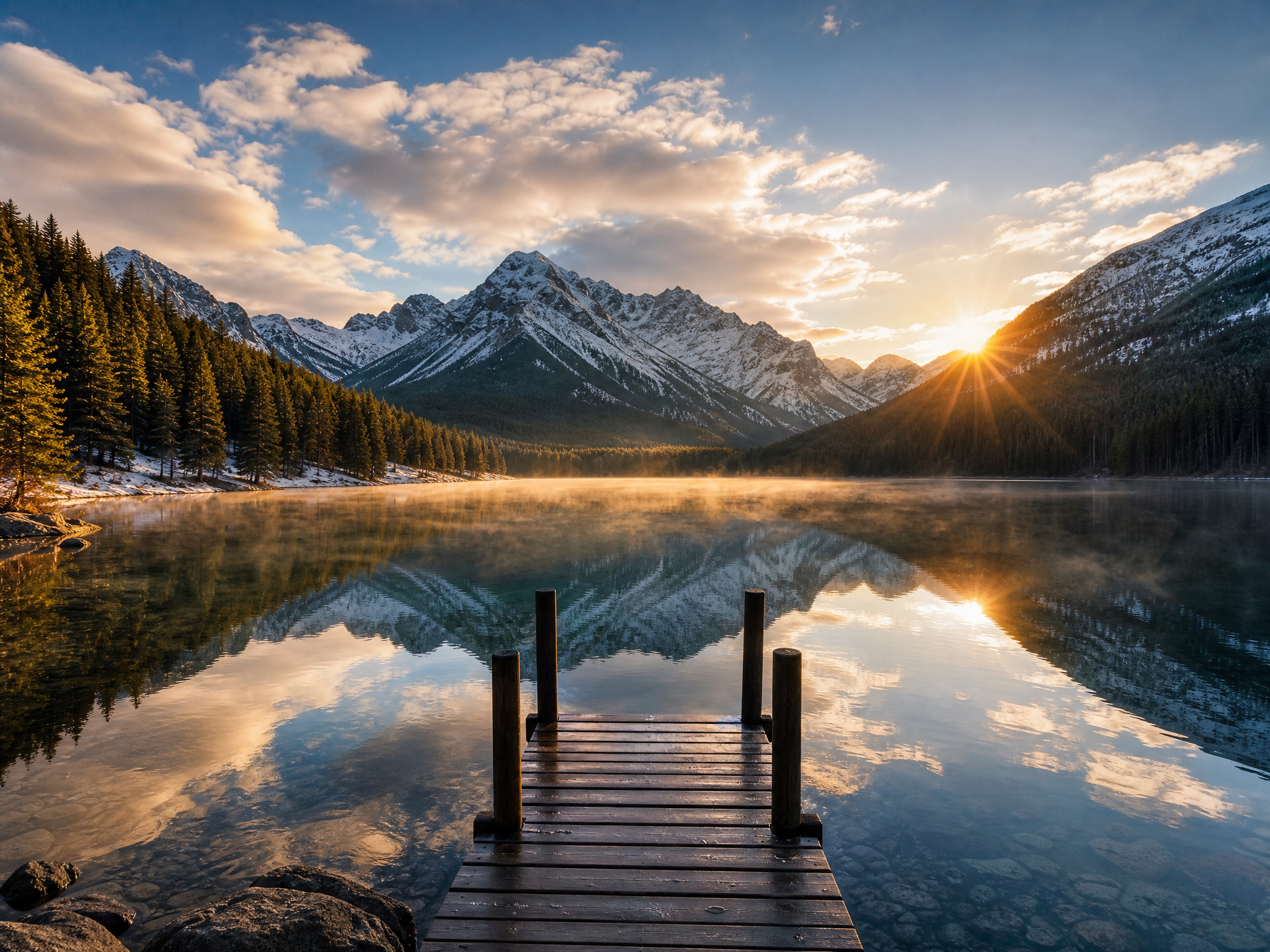
Input
misty alpine lake at sunrise
Generated prompt
A serene alpine lake at sunrise surrounded by snow-dusted mountain peaks and dark evergreen forests, thin mist drifting across the glassy water, a small wooden dock in the foreground, cinematic landscape photography style, soft golden light breaking over the ridge, cool blue shadows and warm highlights, wide-angle shot with a 24mm lens, deep depth of field, balanced composition with leading lines from the dock and mirrored reflections, crisp pine textures, subtle ripples, atmospheric haze, 8k resolution, high dynamic range, professional travel editorial finish, avoid oversaturated colors, blown-out sky, muddy reflections, modern buildings, people, watermark, text.
Best for
Illustration direction, concept art, visual style exploration
Use the image prompt generator when you need a stronger starting point for creative, commercial, or automated image workflows.
Create polished prompts for studio shots, packaging visuals, launch images, and product moodboards.
Turn campaign ideas into prompts with clearer subjects, styles, lighting, and composition.
Generate richer descriptions for characters, outfits, scenes, and visual personality.
Explore environments, art direction, props, scenes, and illustration styles faster.
Draft prompts for listing images, lifestyle shots, seasonal banners, and brand assets.
Use structured prompts as a starting point for Midjourney, DALL-E, Stable Diffusion, Flux, ComfyUI, or API workflows.
A good image prompt gives the model enough visual direction without turning the idea into conflicting instructions.
The main object, person, place, or scene the image should focus on.
The setting around the subject, such as studio, street, forest, room, or abstract space.
The visual language, such as cinematic, editorial, watercolor, 3D render, anime, or ink painting.
How the image is framed, including close-up, wide shot, centered subject, symmetry, or negative space.
The light quality and mood, such as soft diffused light, neon glow, golden hour, or dramatic contrast.
Lens, angle, depth of field, and perspective details when a photographic look matters.
Textures, materials, colors, small visual cues, and quality modifiers that make the output feel intentional.
Elements to avoid, especially when using advanced workflows that support negative prompt guidance.
If you have any questions, please contact us.
An image prompt generator creates image prompts from a simple description of what you want to generate. Promtist completes the details for you.
The more details you provide, the better the image prompt will be. Since writing a good image prompt is not easy, Promtist helps complete the details for you.
Yes, the image prompt generator is free to use. You can use it as many times as you want.
No, NSFW content is not allowed in the image prompt generator.