
1
Describe Your Drawing Idea
Type a short idea of what you want to draw — a character, a scene, or a moment, like a fox reading a book under a lantern.
Describe what you want to draw, pick an illustration style, and get a detailed drawing prompt ready for Midjourney, DALL·E, Flux, and other AI art tools.
Paste your prompt into one of these image generators to create an image.


From drawing idea to ready-to-use prompt in four steps.
Type a short idea of what you want to draw — a character, a scene, or a moment, like a fox reading a book under a lantern.
Choose watercolor, flat vector, line art, or another preset — or pick Surprise me and let the model decide.
Click Generate and Promtist expands your idea into a detailed drawing prompt with subject, composition, palette, and style direction.
Paste the prompt into Midjourney, DALL·E, Flux, Stable Diffusion, or any image generator and start creating.
Every preset shapes the subject, palette, linework, and composition of the final drawing prompt.
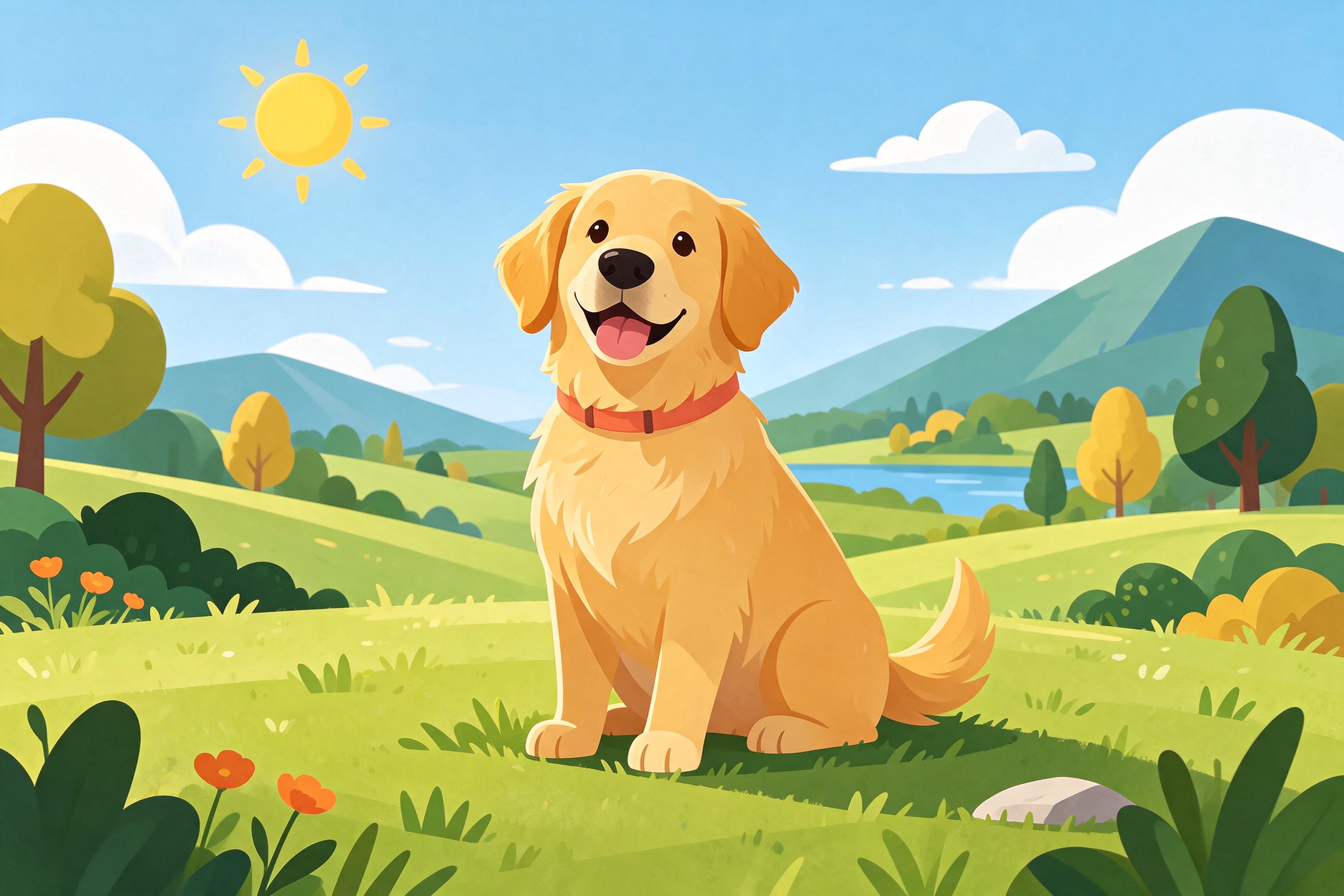
Clean geometric shapes and bold flat colors. Great for editorial illustrations, icons, app graphics, and modern branding.
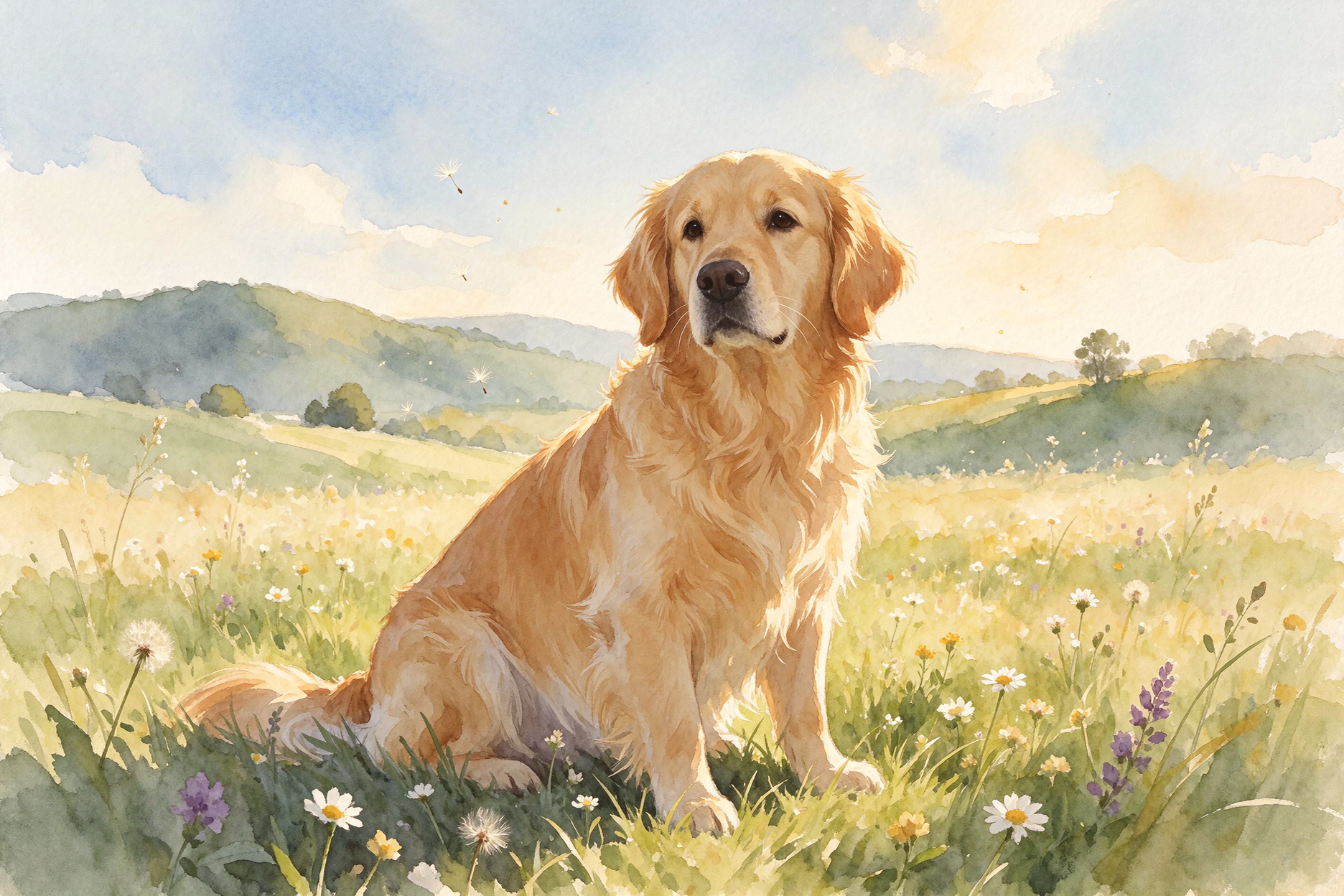
Soft washes, visible paper texture, and delicate line accents. Ideal for gentle, artistic, and romantic imagery.
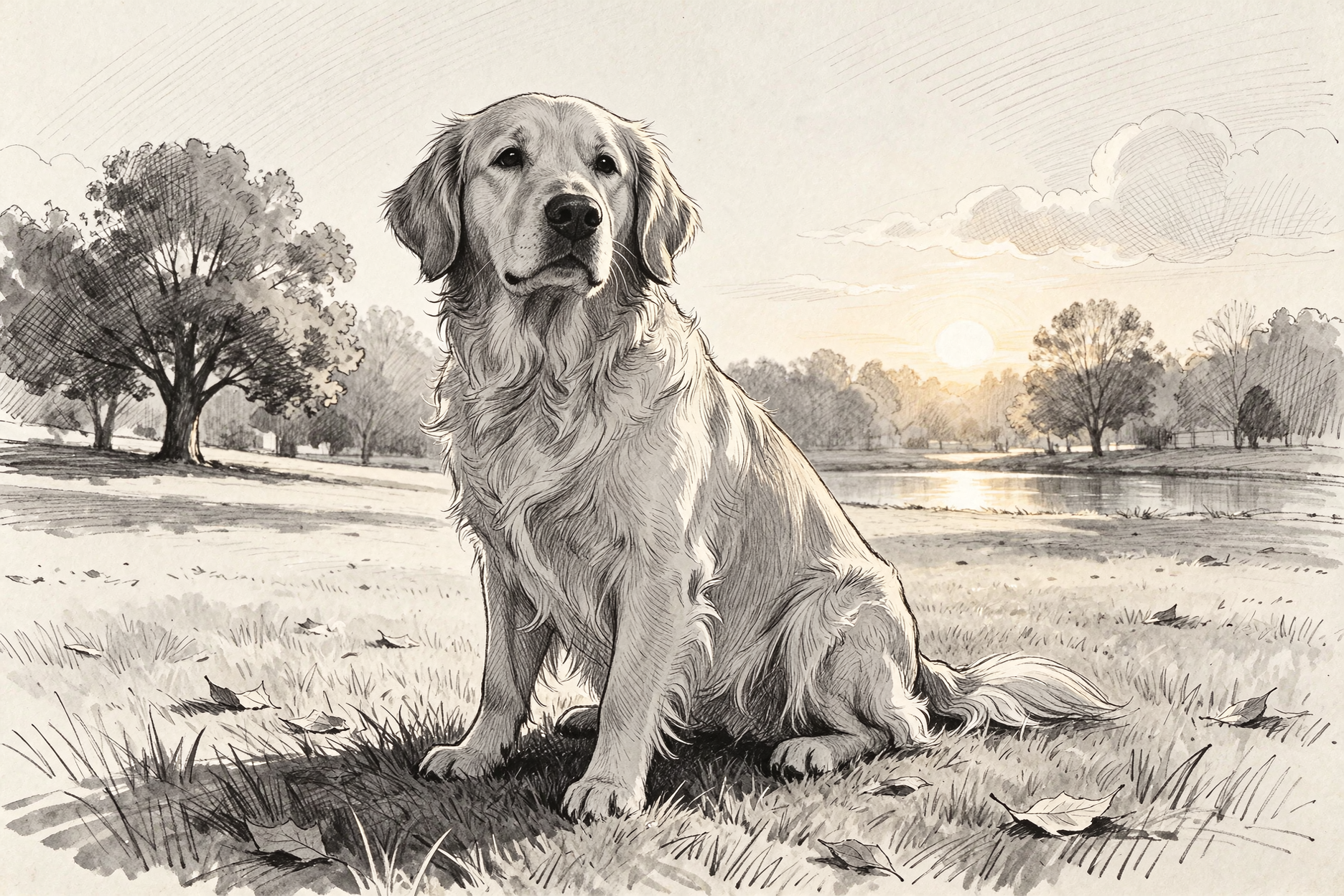
Expressive linework with cross-hatching and little or no color fill. Perfect for tattoos, coloring pages, and editorial sketches.
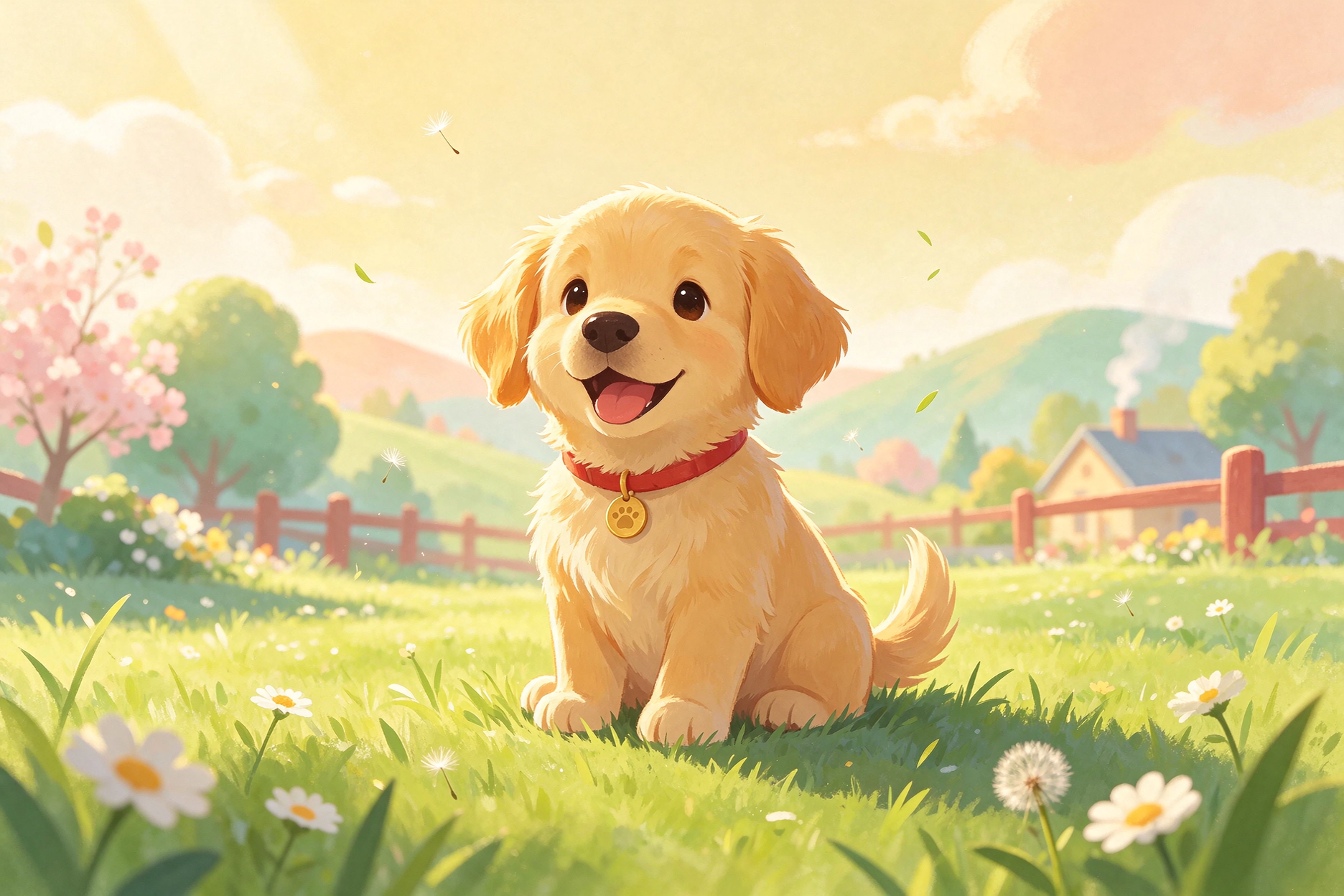
Warm friendly characters, rounded shapes, and pastel palettes that tell a story at a glance.
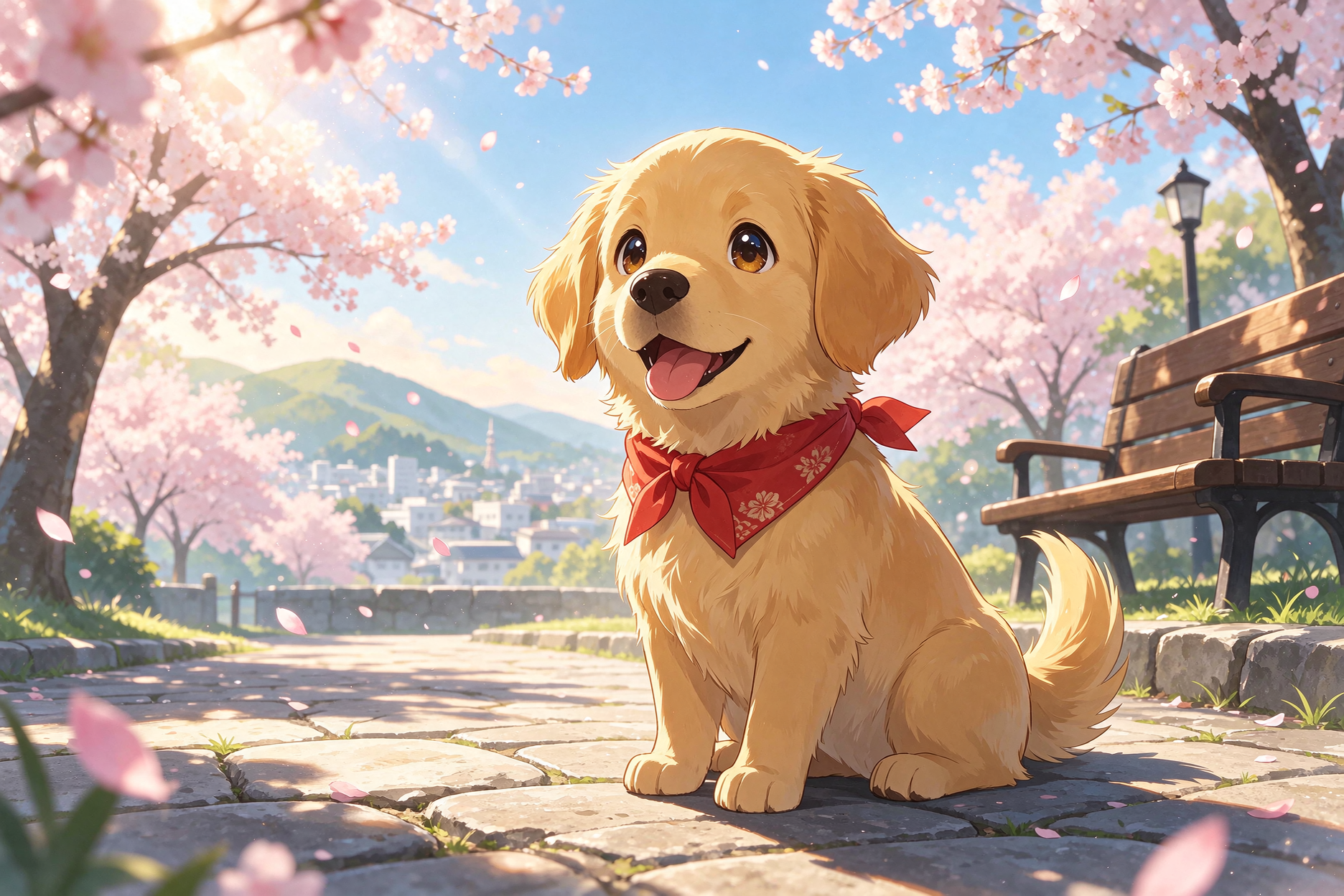
Expressive characters, cel shading, and dynamic compositions inspired by Japanese animation.
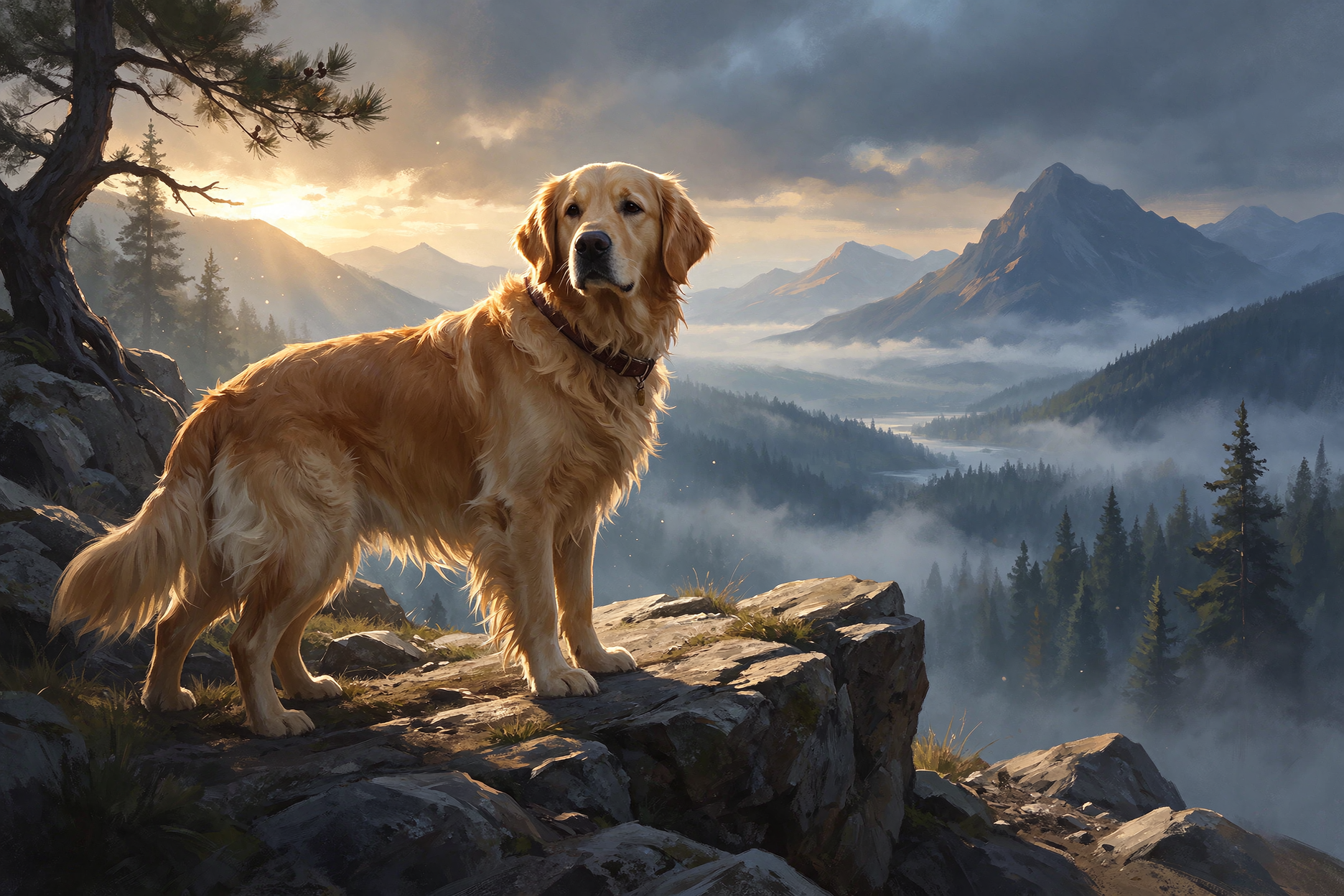
Painterly digital brushwork with dramatic lighting, built for environments, worlds, and cinematic scenes.
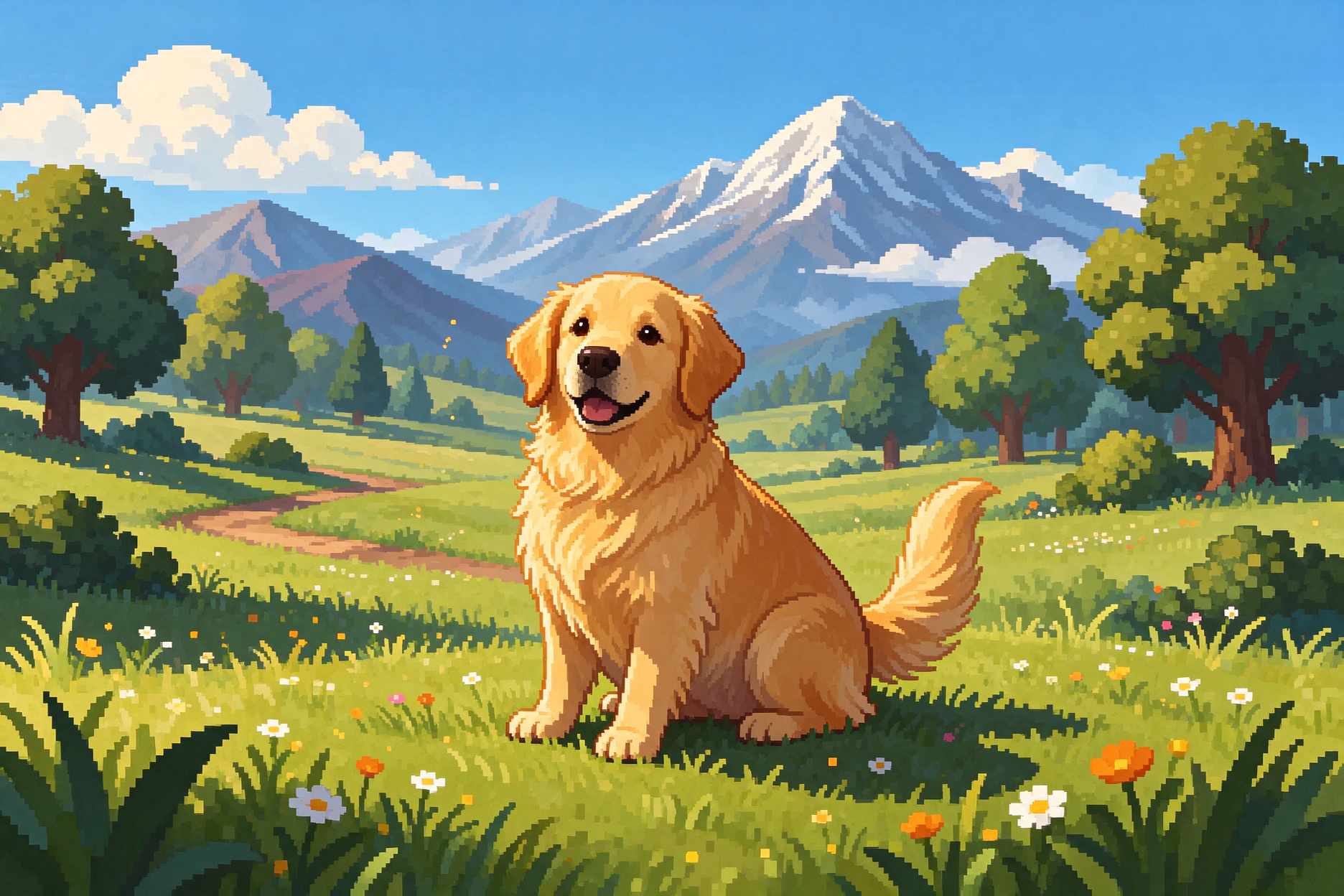
Limited palettes, hard-edged pixel blocks, and retro game vibes. Great for game assets, nostalgic visuals, and merch graphics.
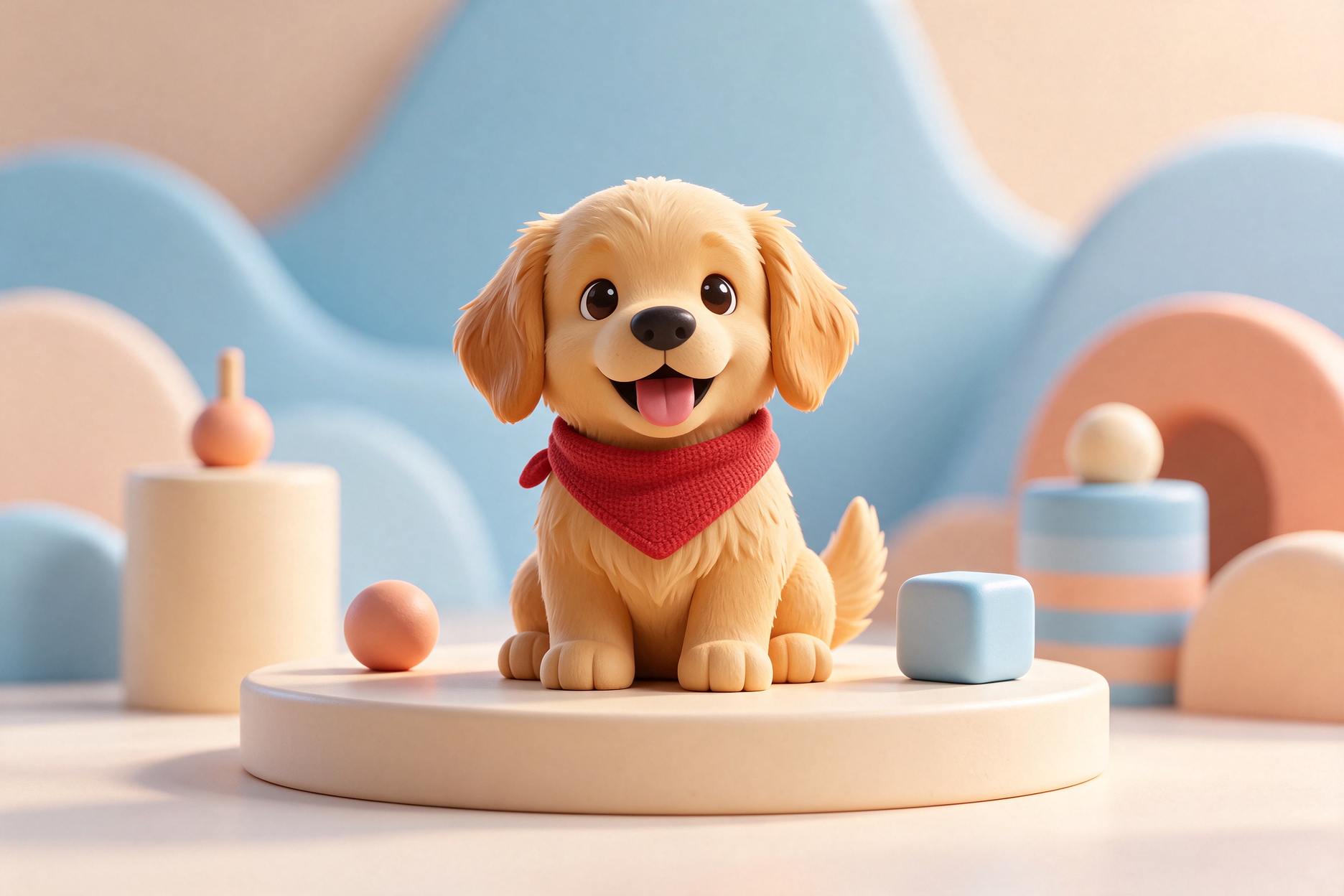
Soft studio lighting, rounded forms, and clay-like materials. Great for product shots, cute characters, and modern marketing visuals.
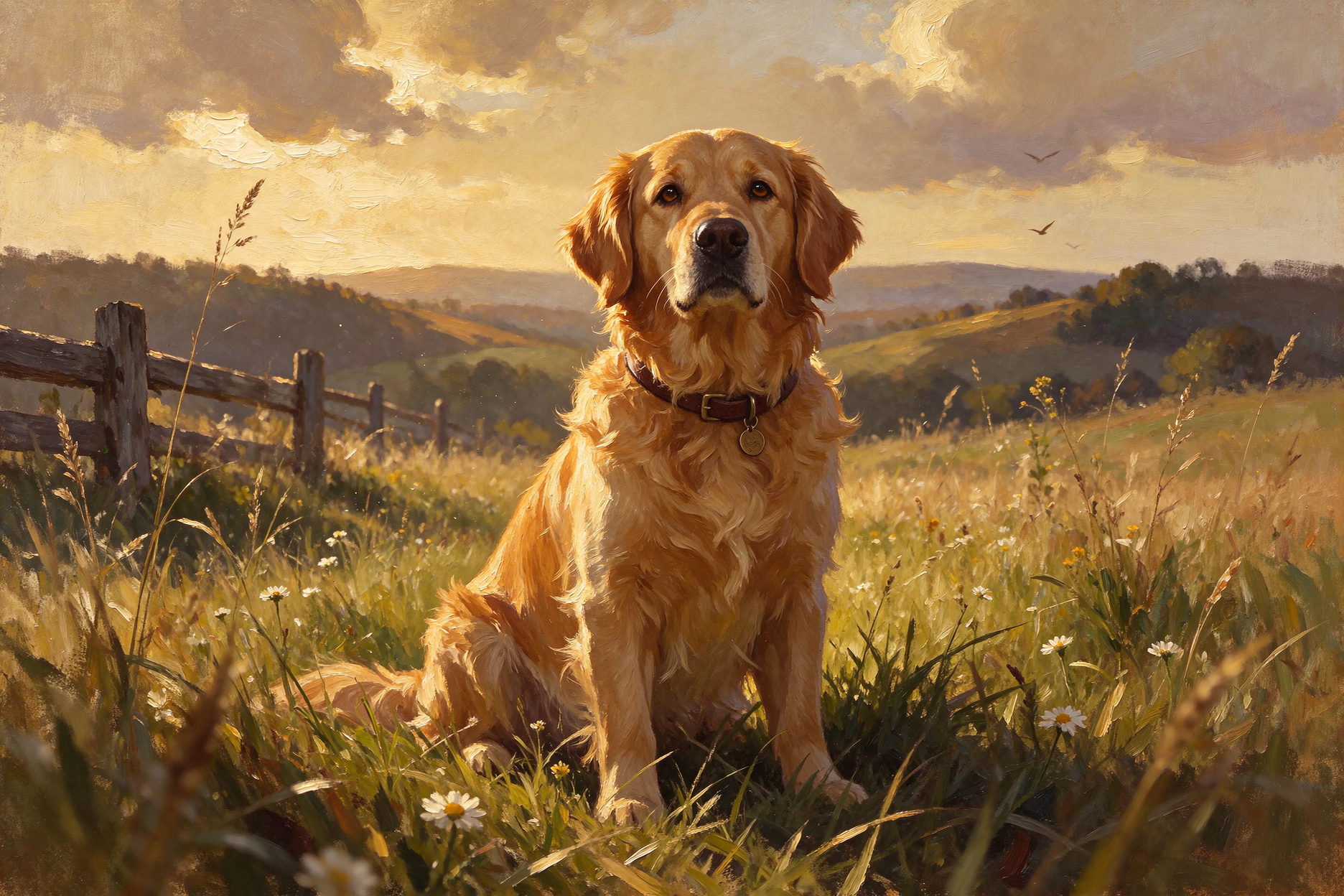
Rich brushstrokes, layered colors, and classic canvas texture. Ideal for premium, gallery-quality imagery.
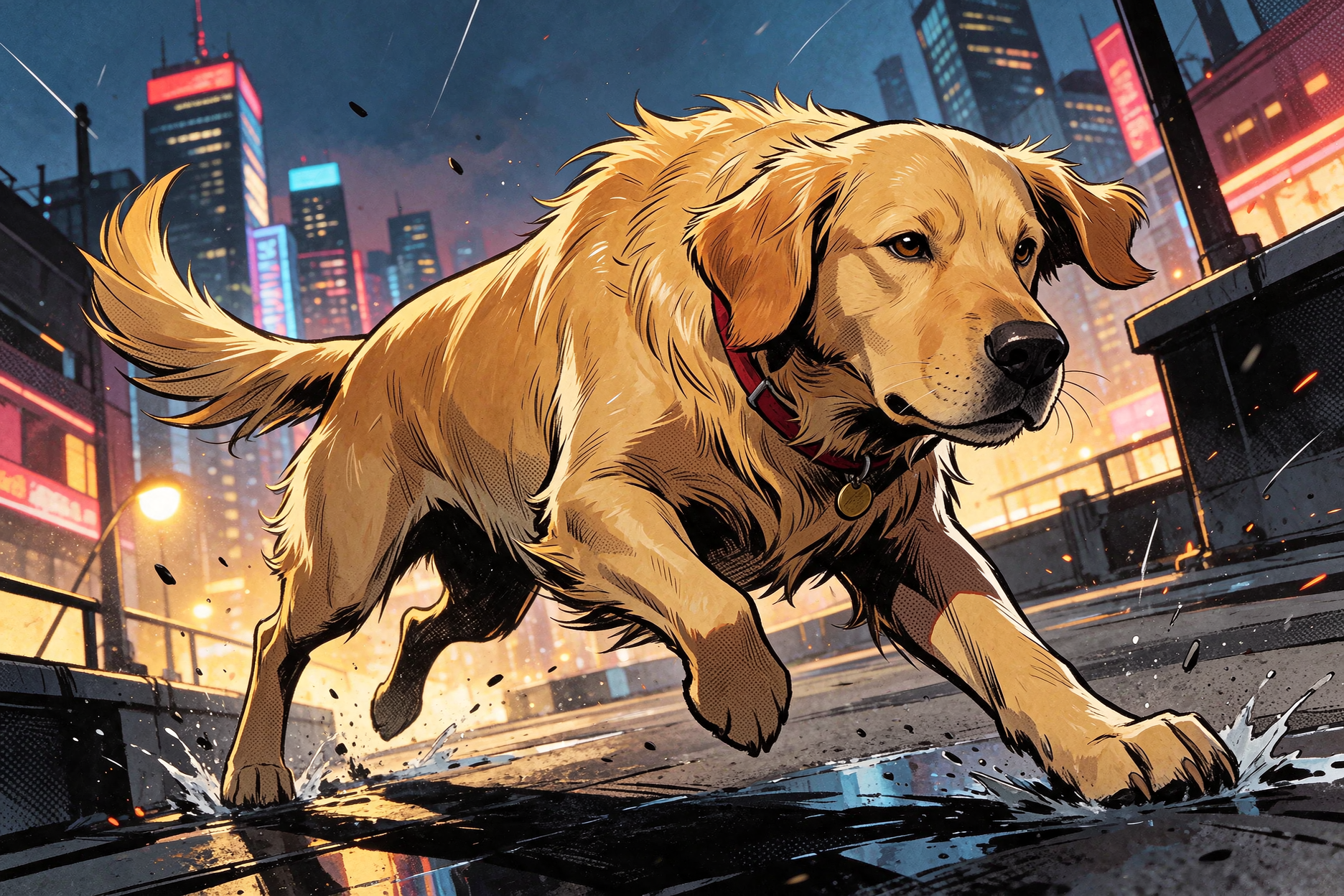
Bold inks, halftone shading, and high-energy character action. Great for heroes, dynamic scenes, and storytelling.
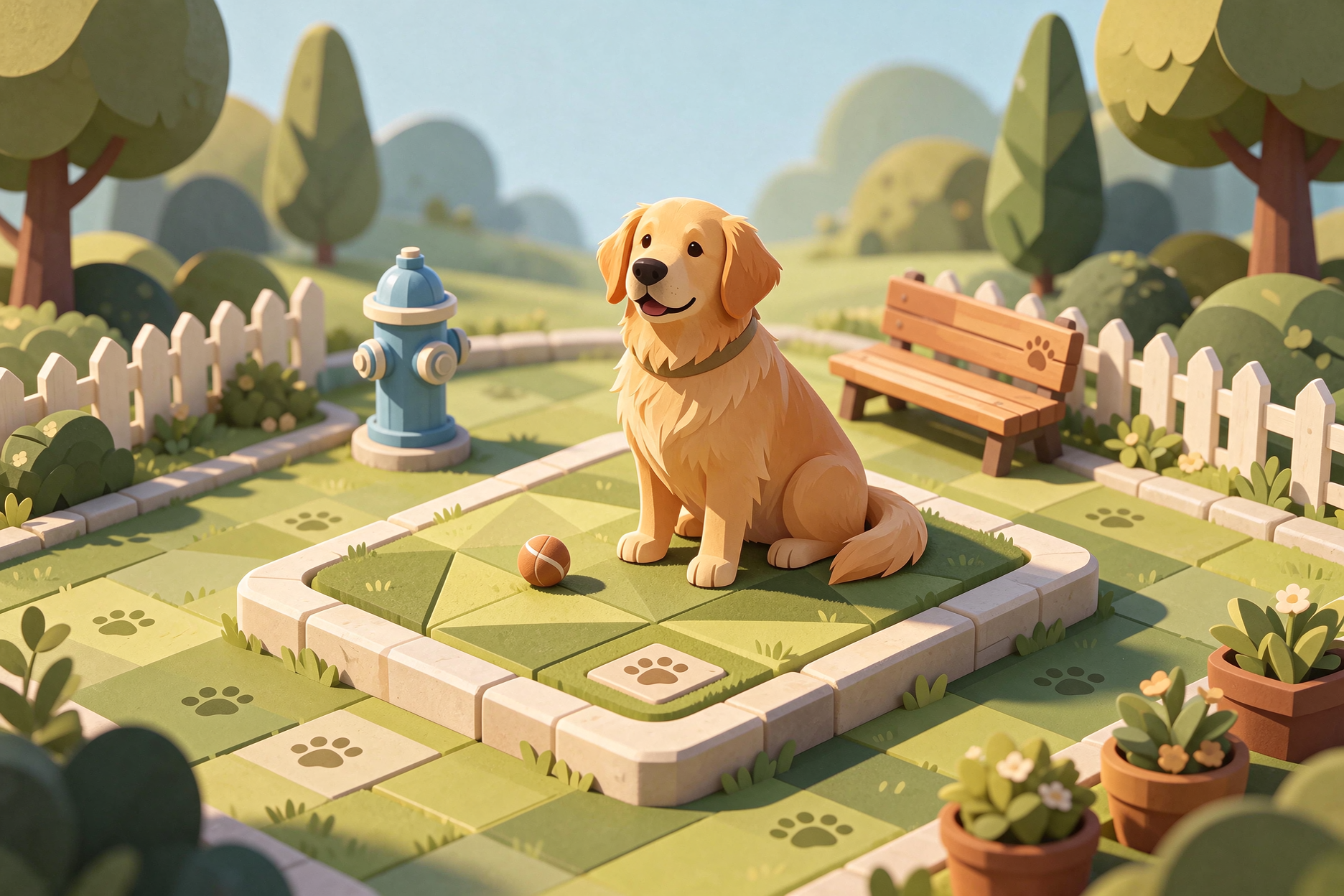
Precise angled projection and clean geometric construction. Great for scene diagrams, tech illustrations, and data visuals.
Common questions about the Drawing Prompt Generator.
It turns a short drawing idea into a detailed, ready-to-use prompt for AI image tools. Instead of writing “a fox reading a book”, you get a full prompt covering subject, environment, composition, palette, and illustration style that AI art models understand.
The prompts work with any text-to-image model, including Midjourney, DALL·E, Flux, Stable Diffusion, Leonardo, and Firefly. They are written in natural language, so you can paste them directly or tweak details before generating.
Built-in presets cover flat vector, watercolor, line art and sketch, children's book, anime and manga, and concept art. You can also pick Surprise me to let the model choose the most fitting style for your idea.
Yes. The Drawing Prompt Generator is free to use — no account or payment required. Every illustration style and output language is included for free, with a daily limit for anonymous use.
This tool is tuned for illustration and drawing, with one-click style presets for watercolor, anime, line art, and more. The Image Prompt Generator is the general-purpose version: it covers every kind of image and adds plain or JSON output with simple and advanced modes for full control.
The Image Prompt Generator handles any visual idea — photos, product shots, logos, and scenes — with full control over mode and output format.